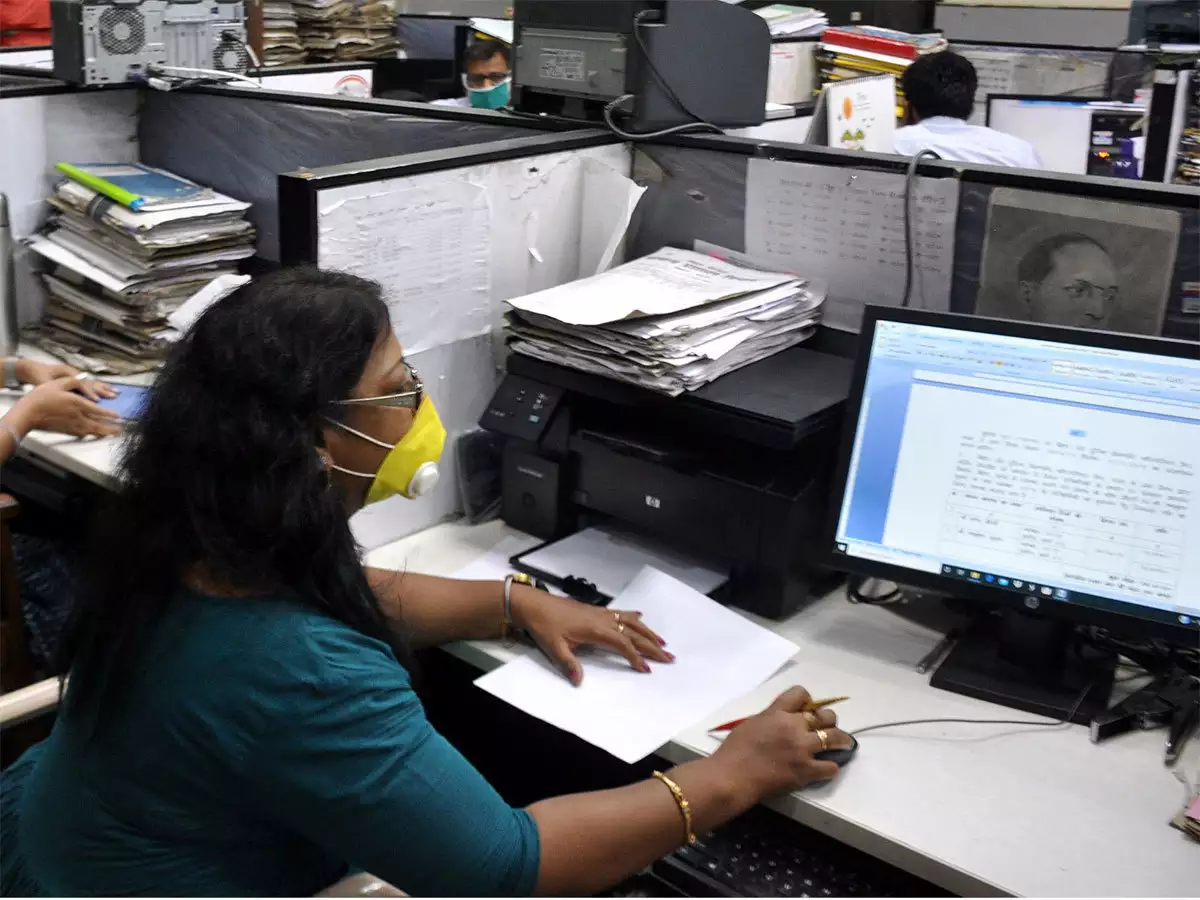
The course focuses on practical, real-world applications to help students and working professionals
improve productivity, digital efficiency, confidence, and career readiness for academic and workplace environments.
Microsoft Word
Enhance your document preparation and professional writing skills with our Microsoft Word training at
JCT iTech Training Centre. This course provides students and working professionals with practical
knowledge in creating well-structured documents, reports, resumes, letters, and business materials
using advanced Microsoft Word features..
The training is designed to build accuracy, efficiency, and professional document handling skills
through real-world practice. Participants will develop the ability to produce clear, organized,
and professionally formatted documents suitable for educational, business, and workplace requirements.
Students will learn:
Getting started with MS-Word
Creating blank documents and templates
Working with indentation
Using Bullets and Numbering
Find and Replacing text
Using Border and Shading options
Formatting text, and Paragraphs
Inserting graphic objects and shapes
Creating pamphlets, name card and Resume
Creating tables and formatting tables
Organizing content using tables and charts
Customizing formats using Styles and Themes
Using templates to automate document formatting
Simplifying and managing projects
Preparing letter, Resume and quotation
Adding document reference, Header and Footer
Microsoft Excel
Master professional spreadsheet and data management skills with our Microsoft Excel
training at JCT iTech Training Centre. Students and working professionals will learn practical
techniques in data organization, formulas, calculations, charts, reporting, and productivity
tools widely used in academic and workplace environments.
The course focuses on practical, real-world applications to help students and working
professionals improve analytical skills, digital productivity, confidence, and workplace readiness.
Students will learn:
Getting starting with MS- Excel
Understanding about Workbook and Spreadsheet
Entering data with multiple sheets and Renaming Sheet
Using different type of formulas
Working Constant Values and Formulas
Formatting worksheet and modifying column and row
Working Multi-Data Entries
Learning about Profit and Loss Account (Advance level)
Use freeze panes
Working with Sort and Advance Filter Option
Working with IF and AND Function
Working with Chats and using Table Features
Using Subtotal and Multi-Level Subtotal
Using Conditional Formatting and Creating Rules
Creating and working with Pivot Tables
Using VLOOKUP and HLOOKUP Function
Working with Macros
Data Cleansing: Use 'Remove Duplicates
Data Validation: Create drop-down menus within cells to ensure users only input allowed options.
Microsoft PowerPoint
Develop professional presentation and communication skills with Microsoft PowerPoint
training at JCT iTech Training Center. Students and working professionals will learn to
create modern, creative, and impactful presentations using advanced tools, animations,
visual design, and multimedia features. The course focuses on hands-on learning to build
creativity, confidence, and effective presentation skills for both academic and workplace environments.
Students will learn:
Getting started with MS-PowerPoint
Understanding the PowerPoint interface
Creating and saving presentations
Working with slides: adding, deleting, and rearranging